

Frequently Bought Together
Bundle Price

Key Features
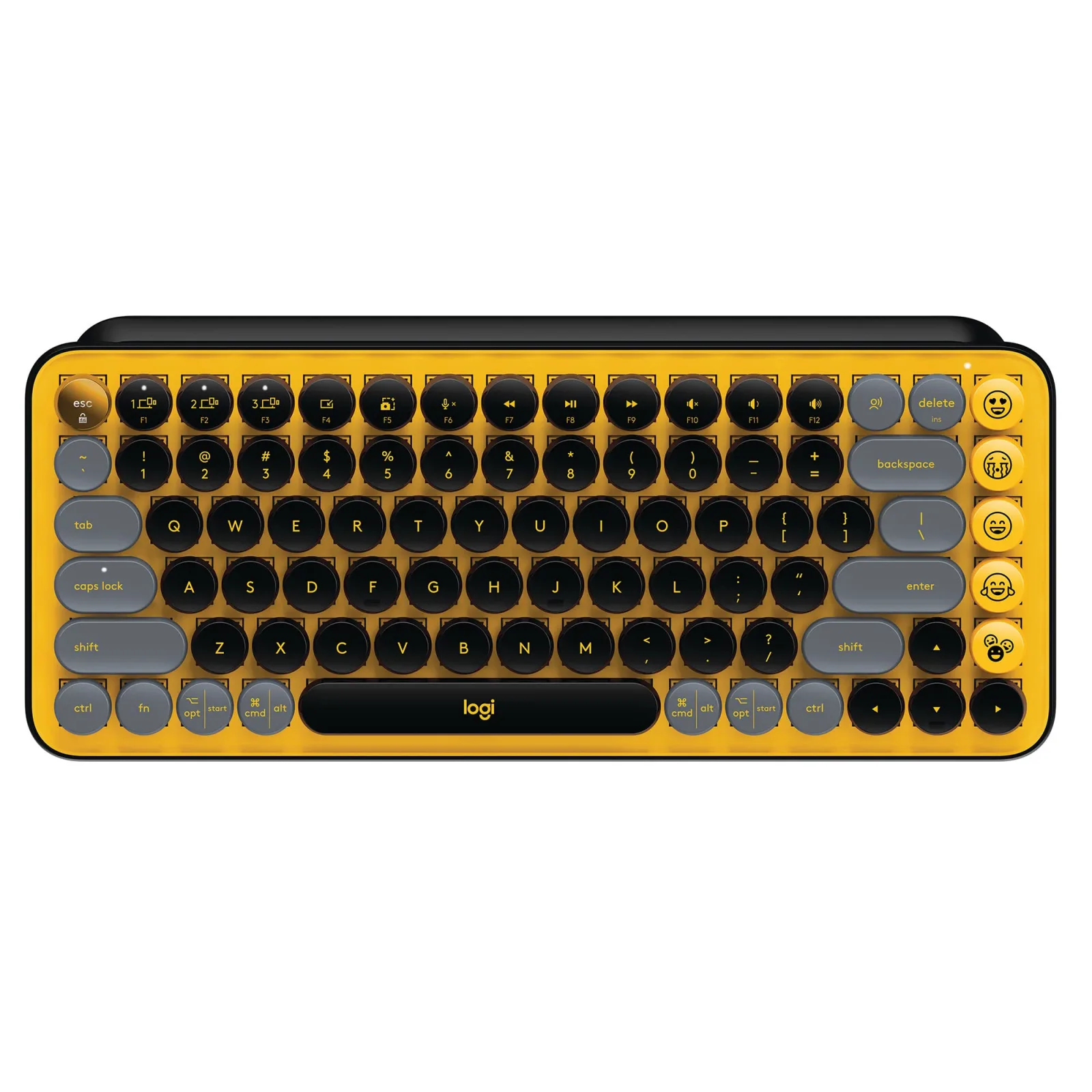
- • Vibrant Blast Yellow finish for a standout look
- • Tactile mechanical switches for a premium typing experience
- • Customizable emoji keycaps for quick expression
- • Dual connectivity: Bluetooth and Logi Bolt USB receiver
- • Compact layout designed for space-saving
- • Long battery life for extended use
- • Compatible with multiple operating systems
- • Durable construction with retro-inspired style
Experience the LOGITECH POP Wireless Mechanical Keyboard
Transform your workspace with the LOGITECH POP Wireless Mechanical Keyboard in Blast Yellow. This stylish keyboard not only enhances your typing experience but also adds a splash of color to your desk. With tactile mechanical switches, you get responsive feedback that makes typing a joy.
Enjoy the flexibility of dual connectivity options—Bluetooth and Logi Bolt USB receiver—ensuring seamless compatibility with multiple devices. The compact design saves space while the long battery life ensures uninterrupted productivity. Plus, the unique customizable emoji keycaps let you express yourself effortlessly.
Key Features
- Vibrant Blast Yellow finish for a standout look
- Tactile mechanical switches for a premium typing experience
- Customizable emoji keycaps for quick expression
- Dual connectivity: Bluetooth and Logi Bolt USB receiver
- Compact layout designed for space-saving
- Long battery life for extended use
- Compatible with Windows, macOS, iPadOS, and more
- Durable construction with retro-inspired style
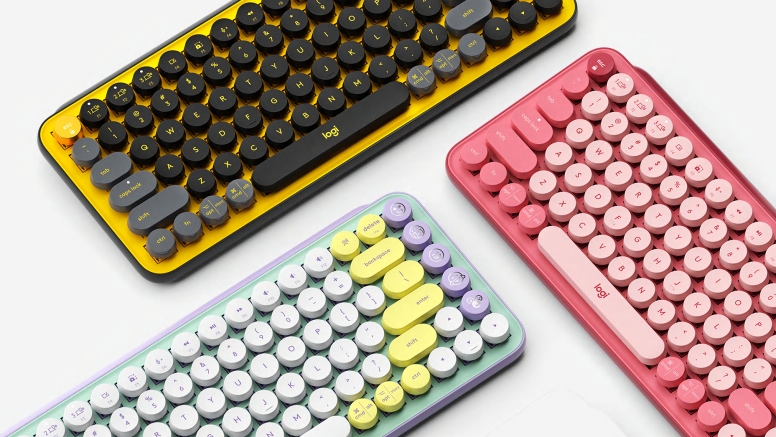
Daydream Blast Heartbreaker Cosmos Mist
Mint, lilac, white and sunshine yellow combine in a candy aesthetic with a dash of fresh mojito. Chill out with POP Keys in Daydream.
Additional Features

F’n cool new shortcuts
Don’t be fooled by POP Keys’ vintage aesthetic. Its 12 new FN shortcuts give you what you really need today – helping you snip screen, trigger Voice-to-Text, mute your mic in a long meeting, and much more at the tap of a key.

Compact and comfy
All the keys you need on a space-saving frame. Scooped round keys match the shape of your fingertips for snug and smooth touch-typing. Plus, POP Keys’ compact design lets you place your mouse closer for less arm reaching, more comfort, and better body posture.
Yours for the long haul
In true Logitech fashion, POP Keys is designed to last. With up to three years’ battery life and keys that can endure up to 50 million strokes (that’s a lot), you can create, chat, and express yourself to your heart’s content.
Try the full self-expression experience
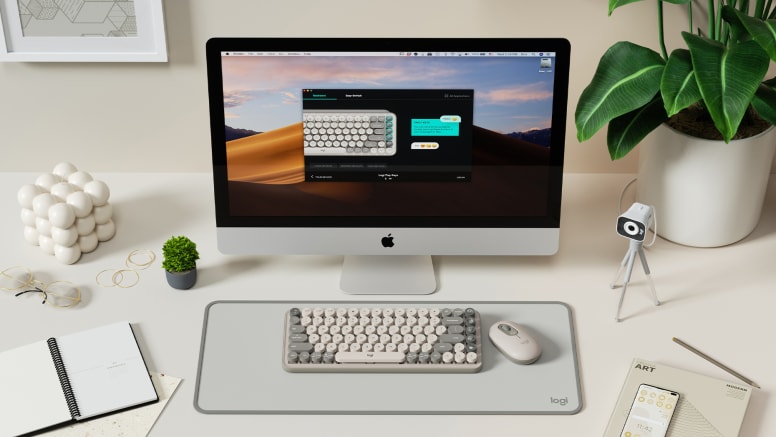
Own your space with the right accessories to take your productivity and style to new levels. Discover POP Mouse, StreamCam, G733 and Logitech Desk Mat.
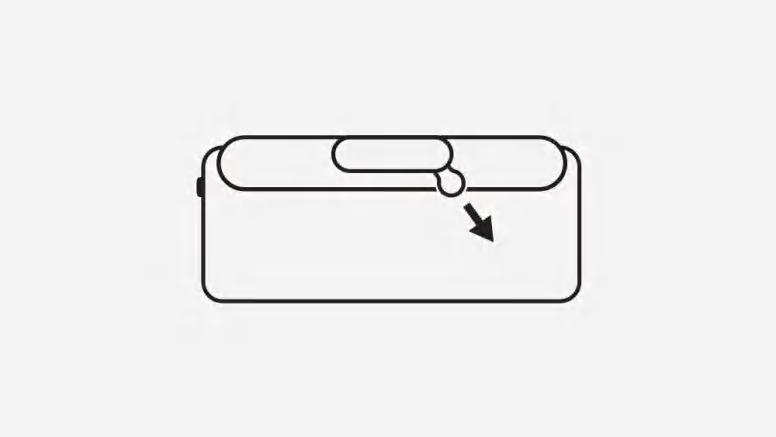
Keyboard set up Ready to get started? Remove the pull-tab.
Download Logi Options+ app from www.logitech.com/optionsplus and follow the easy installation instructions. Then remove the pull-tab from the back of the keyboard and your POP Keys will automatically switch on.
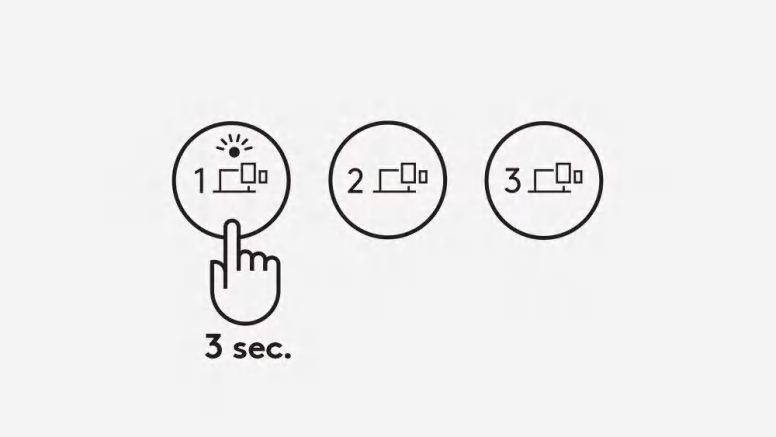
Enter Pairing Mode
Long press (that’s about 3 seconds) the Channel 1 Easy-Switch key to enter Pairing Mode. The LED on the key will start blinking.
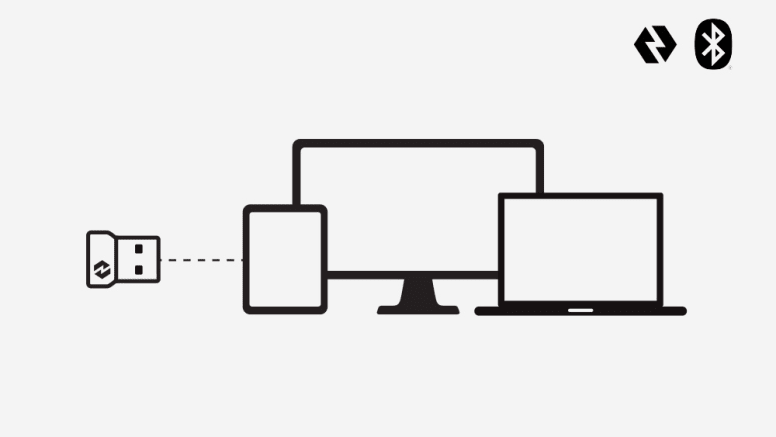
Get connected
Open Bluetooth preferences on your computer, phone or tablet. Select “Logi POP” on the list of devices. You should see a PIN code appear on screen. Type that PIN code out on your POP Keys then press the Return or Enter key to finish connecting. When using the Bluetooth connection (Windows/macOS), your POP Keys’ layout will automatically adapt to the settings on your connected device. If you prefer, you can connect your keyboard via the provided Logi Bolt USB receiver. Just plug it into your device, and voilà! Connected!
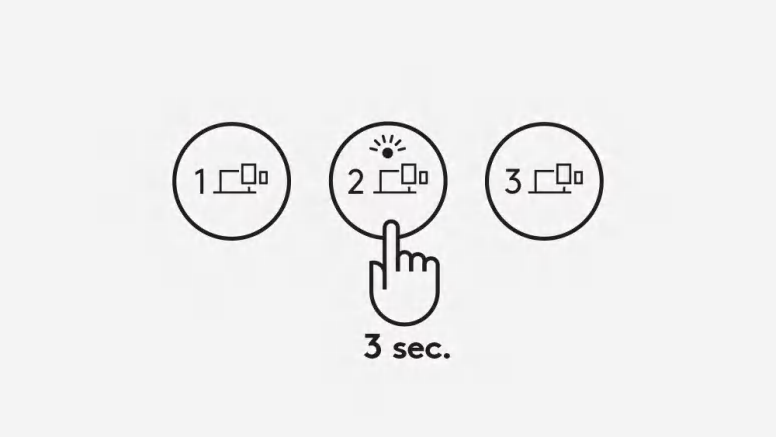
Multi-device set up Want to pair to another device?
Easy. Long press (3-ish seconds) the Channel 2 Easy-Switch Key. When the key LED starts blinking, your POP Keys is ready to pair to a second device via Bluetooth. Pair to a third device by repeating the same thing, this time using the Channel 3 Easy-Switch Key.
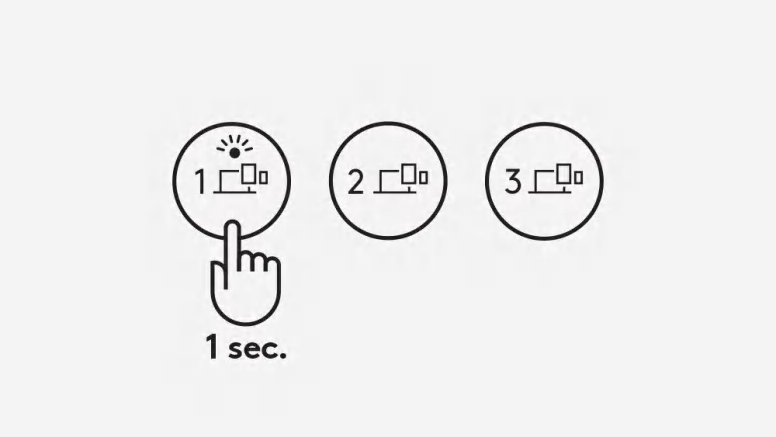
Tap between devices
Simply tap the Easy-Switch keys (Channel 1, 2, or 3) to move between devices as you type.
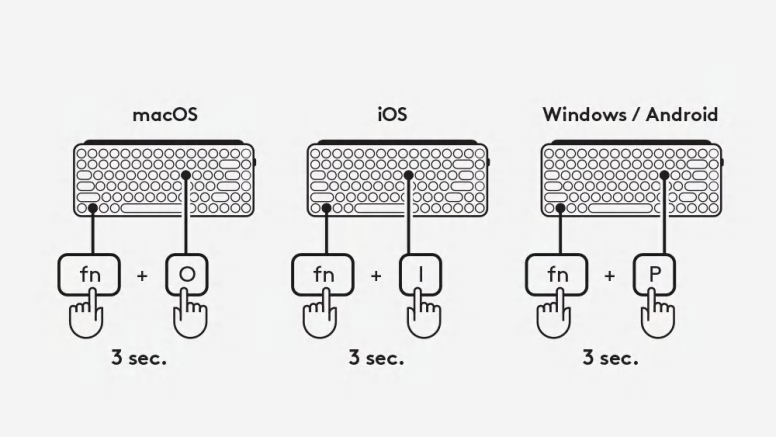
Select a specific OS Layout for your POP Keys
To switch to other OS keyboard layouts, long press the following combinations for 3 seconds: FN and “P” keys for Windows/Android FN and “O” keys for macOS FN and “I” keys for iOS When the LED on the corresponding channel key lights up, your OS has been successfully changed.
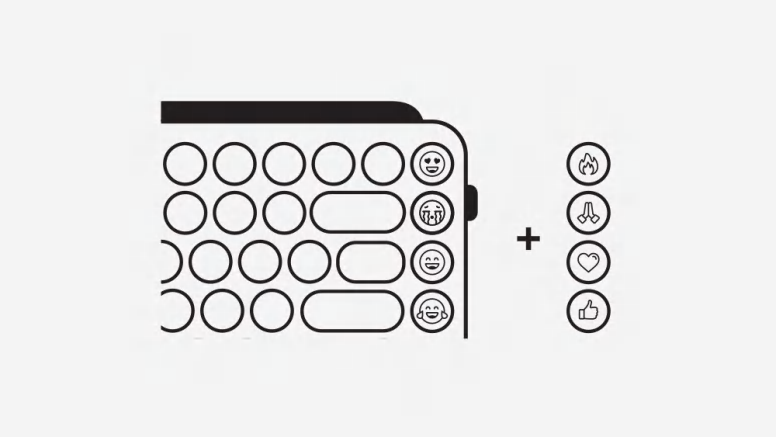
Customize emoji keys Customize emoji on your pop keys
Ready to get playful with your emoji? Download Logi Options+ app from www.logitech.com/optionsplus and follow the easy installation instructions. Once the app is installed, your emoji keys are good to go.
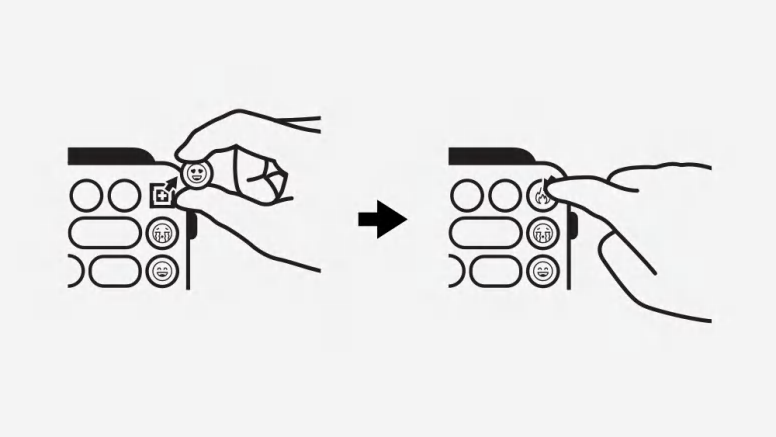
How to swap out your emoji keys
To remove an emoji key, firmly grip it and pull it vertically. You’ll see a little ’+’ shaped stem beneath. Choose the emoji key you want on your keyboard instead, align it with that little ‘+’ shape, and press down firmly.
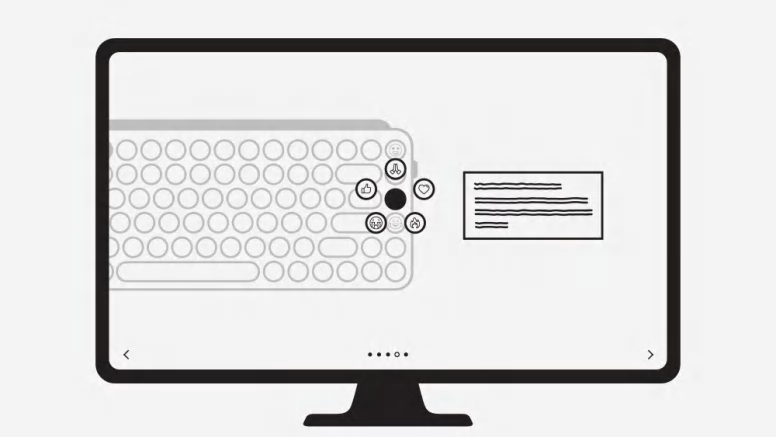
Activate the new emoji
Open Logi Options+ app (making sure your POP Keys is connected) and select the key you want to reassign. Select your favorite emoji from the suggested list, and get your personality popping in chats with friends!
You May Also Like
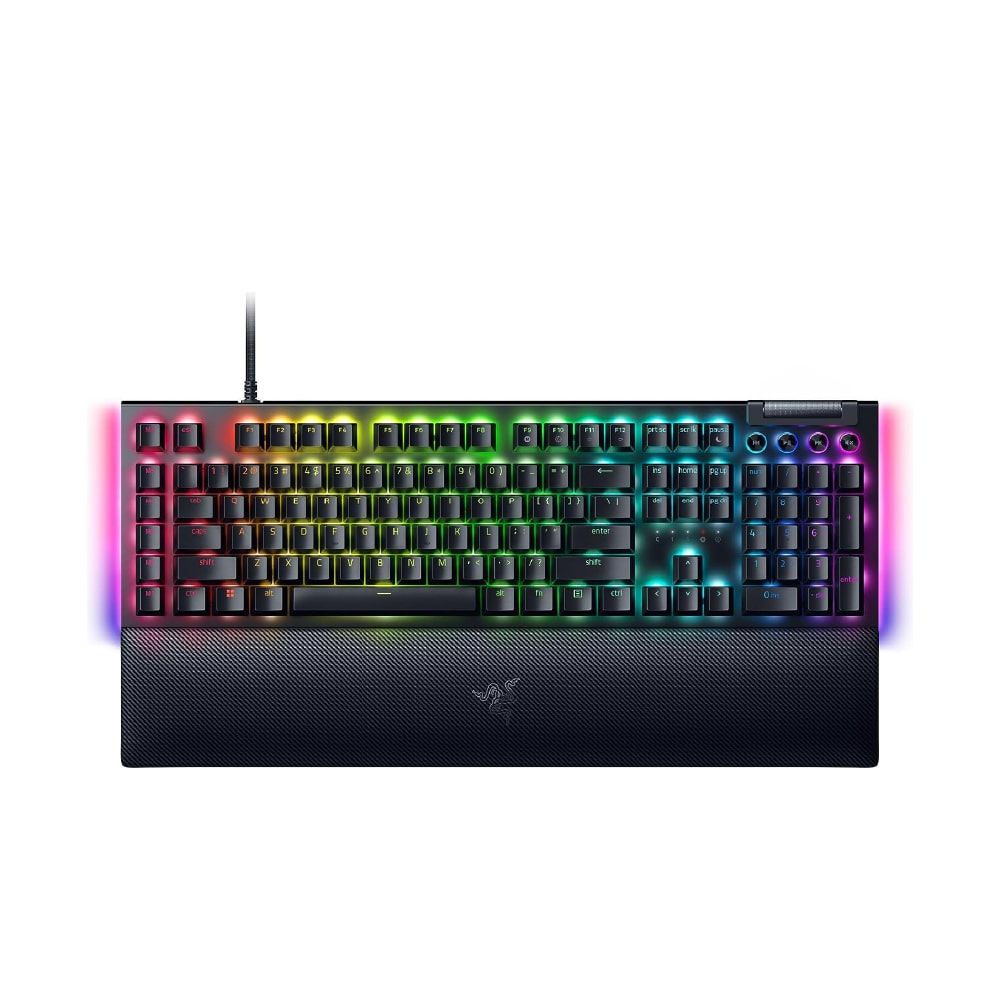
RAZER
RAZER BLACKWIDOW V4 KEYBOARD GREEN SWITCH LAYOUT FRML RZ03-04690100-R3M1 100% Authentic
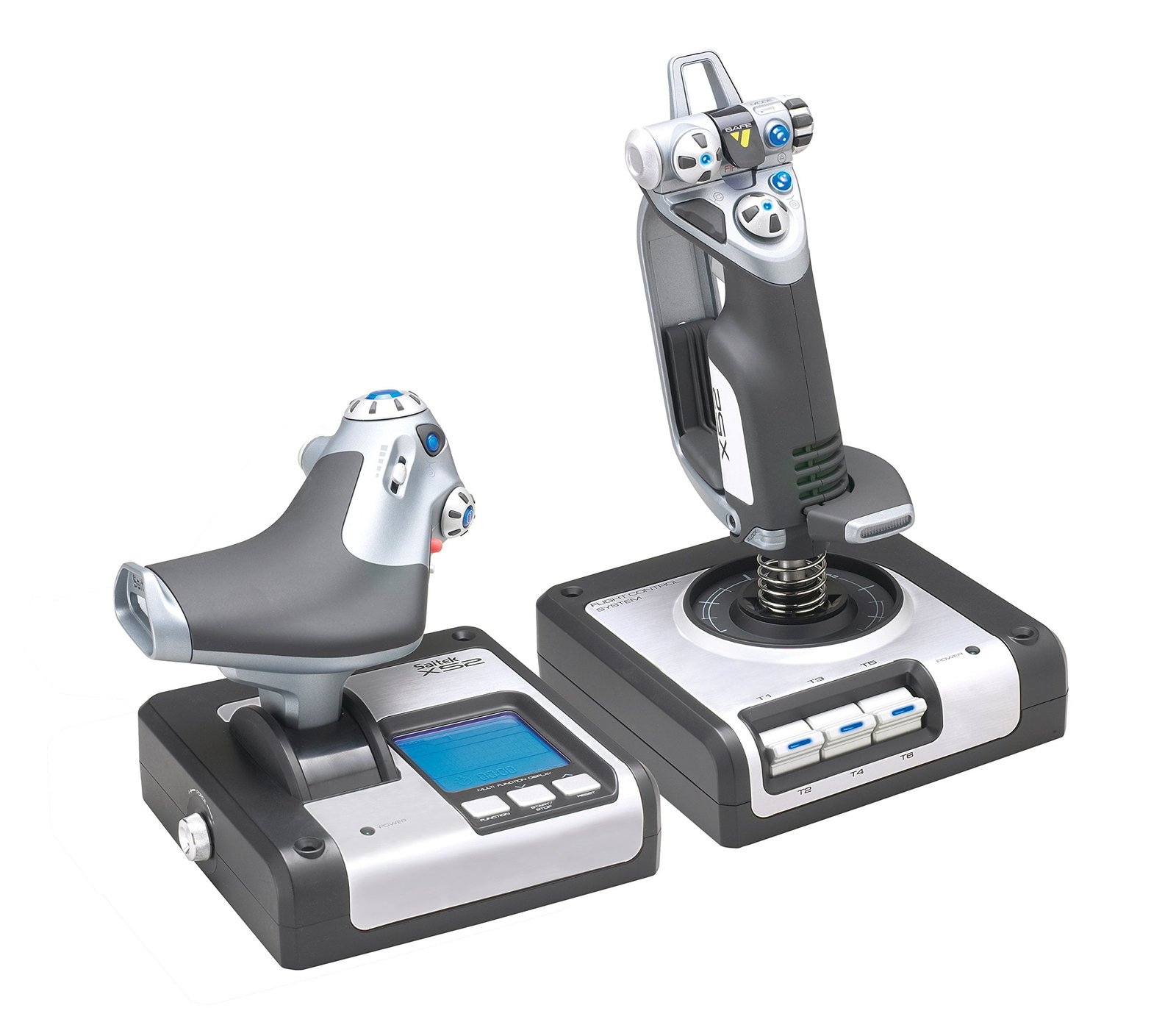
LOGITECH
LOGITECH G SAITEK HOTAS FLIGHT CONTROL SYSTEM X52
100% Authentic
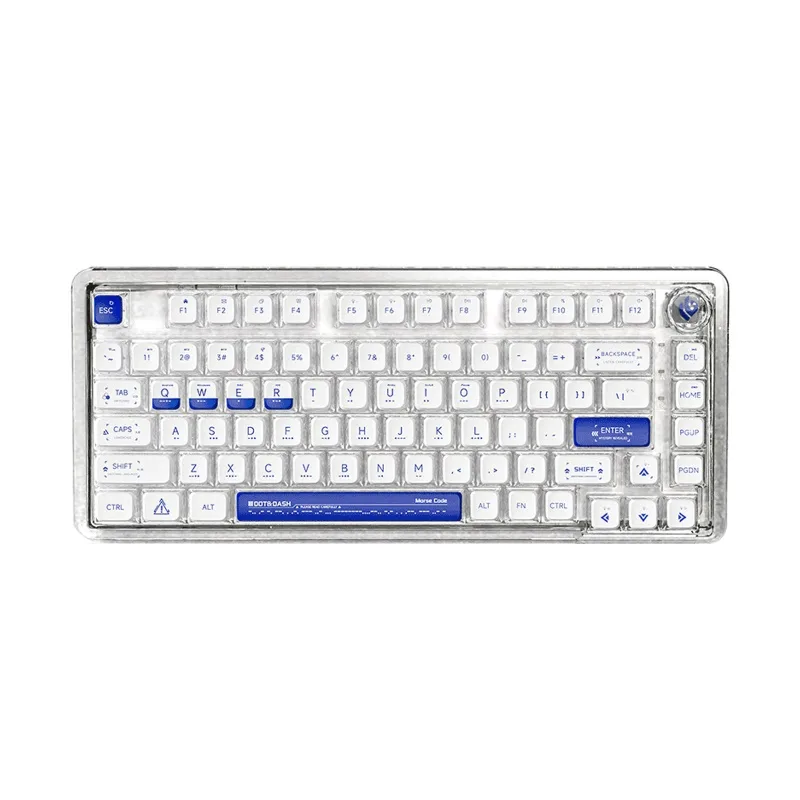
Gaming Keyboards
LEOBOG 81 KEYS RGB 75% MECHANICAL GAMING KEYBOARD TRI-MODE KNOB ICE SOUL SWITCH K81 MORSE CODE
100% Authentic